


Best WooCommerce Free Live Chat Plugins
Did you know that 79% of customers prefer live chats to other types of online communication because they get instant responses? Answering visitors’ questions quickly can make a big difference in their shopping experience and can help you increase conversion rates. That’s why today, we’ll have a look at the best WooCommerce free live chat plugins that you should install in your store.
Why Use a Free Chat Plugin for WooCommerce?
It’s no secret that having excellent customer service plays an important role in your business. This not only improves the shoppers’ experience on your site but also helps you boost your sales. To take their customer satisfaction to the next level, store owners must offer not only great products and post-sale services but also outstanding, timely online support.
Considering how much competition there is in the eCommerce world nowadays, store owners should make sure that customers can get in touch with the support team at all times. Many stores provide customer support via FAQs, forums, or tickets. Those are essential, but not enough if you want to be a step ahead of your competitors. To achieve that, you should consider providing customers with instant support via live chat.
Benefits of Free Chat Plugins
Let’s have a look at some of the reasons why you should use a WooCommerce free chat plugin:
- Faster and more efficient problem-solving: By having an online chat, you can solve customers’ issues much faster. Additionally, many live chat plugins provide additional tools such as screen sharing to help you solve any type of question in no time.
- Makes life easier for your users: Even if you have a very clear FAQ section, many users aren’t willing to take the time to look through all the questions to find the answer they need. That’s why by having a live chat, users can directly ask you what they need to know and you don’t run the risk of losing them.
- Increases conversion rates: By having direct contact with your shoppers, you will increase your conversion rates. You could also use this channel to offer discounts and special deals and increase conversions even more.
- Keep in touch with your customers: A live chat is a great way to develop a close relationship with your users. Apart from getting valuable insights, you’ll also increase visitors’ time on site.
Now that we better understand the benefits of these tools, let’s have a look at the best WooCommerce free live chat plugins.
Best WooCommerce Free Live Chat Plugins
The best free live chat plugins for WooCommerce are:
- WhatsApp Chat
- Tawk.To Live Chat
- WP Live Chat Support
- Tidio Live Chat
- Live Chat by Formilla
- Userlike
Let’s see what each of these tools has to offer.
1. WhatsApp Chat
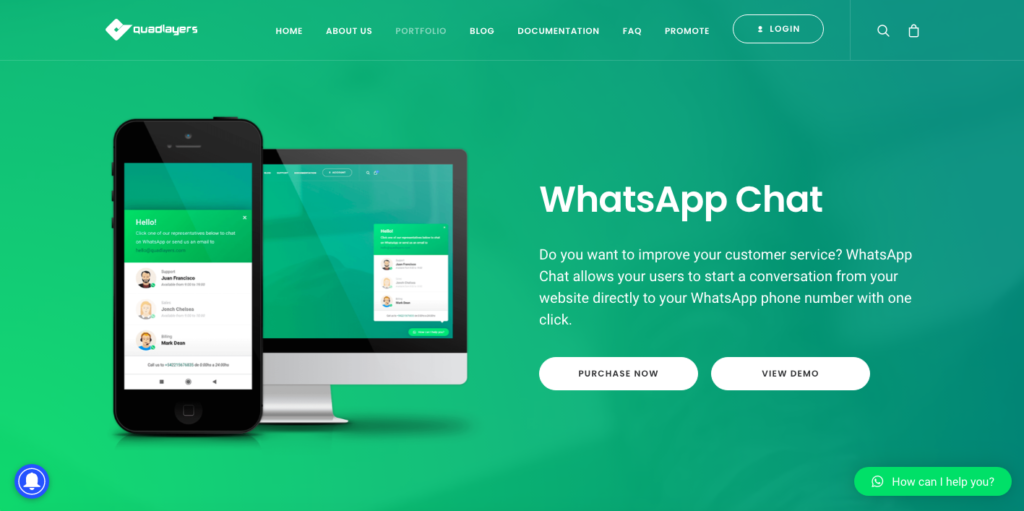
WhatsApp Chat is an excellent live chat developed by QuadLayers. This tool has more than 100,000 active installs and it’s designed to help you improve your customer service. WhatsApp Chat’s value proposition is simple yet very powerful. It allows your customers to start a WhatsApp chat with you directly from your website. Additionally, you can include multiple accounts, customize each chatbox with different colors and messages, choose different icons, and more.
WhatsApp Chat has a free version that comes with some good features to get your live chat started in no time. Additionally, it has 3 premium plans with more advanced functionalities that start at 19 USD (one-time payment).
Main Features
- Multiple accounts
- Chatbox customization
- 40+ custom icons
- WPML compatibility
- Ability to select button appearance
2. Tawk.To Live Chat
With more than 200,000 active installs, Tawk.To Live Chat is one of the best free live chat plugins for WooCommerce. Its great flexibility, wide range of customization options, and good online support makes it one of the top choices out there.
Tawk.To Live Chat offers a wide range of interesting features. For example, it allows you to add numerous agents to an admin account, meaning that your store can deal with tons of customer queries at a time. Additionally, with the group queries, you can categorize and group similar queries into different types, making it easier to assign resources and handle the queries more efficiently.
Main Features
- Easy installation and customization
- Various design options
- Ability to schedule the display time of the widget
- 24/7 devoted support team
3. WP Live Chat Support (3CX Live Chat)
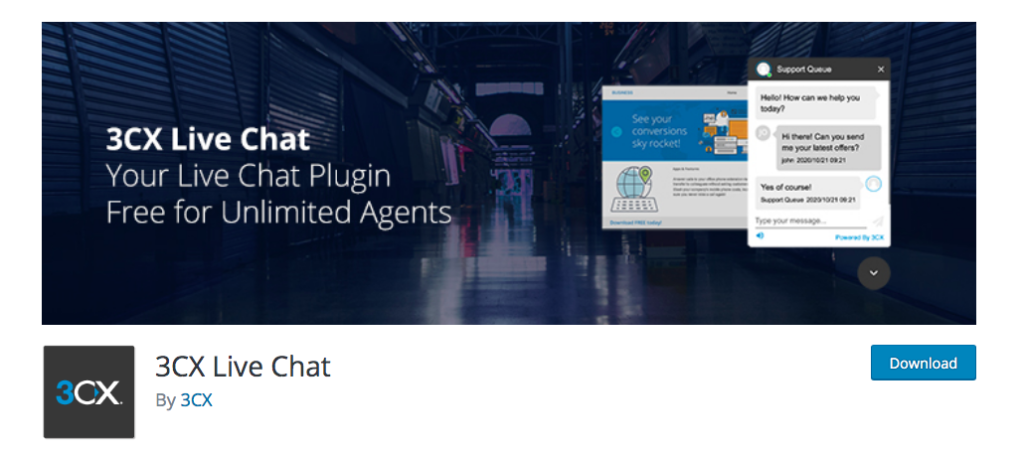
WP Live Chat Support is a big name among the best live chat plugins for WooCommerce. Although it primarily targets small and medium-sized businesses, it also offers premium features that even big businesses dream of. From multiple predefined chat themes to unlimited simultaneous live chats, it has everything a live chat needs at no cost.
Apart from allowing you to add unlimited agents, set up departments, and transfer chats to other agents, 3CX Live Chat also lets users add gifs, animations, files, and polls into the chats. Additionally, you can customize the live chat window to receive desktop notifications when there’s a new chat.
Main Features
- 6 predefined chatbox themes
- Fully customizable
- Notifications for new messages
- Automatic pop-up
- Ability to set up departments
4. Tidio Live Chat
Rather than just answer customers’ questions, you can get closer to them with the help of Tidio Live Chat. This tool will help you transform visitors into leads and increase your conversions. Tidio comes with a handful of great features. It offers 4 integrated communication channels (live chat, chatbots, email marketing, and Messenger) and allows you to change the chatbox color and place it anywhere on the site. Additionally, you can use the plugin without registering for an account.
Tidio is an excellent option for global businesses as it claims to support 183 different languages and include 21 pre-translated language packs.
Main Features
- 4 integrated communication channels (live chat, chatbots, email marketing, and Messenger)
- Offline messages can be stored and read later on
- Distinct application for mobile phones
- Great options for customization
- Ready integration with MailChimp, SalesForce, and more
5. Live Chat by Formilla
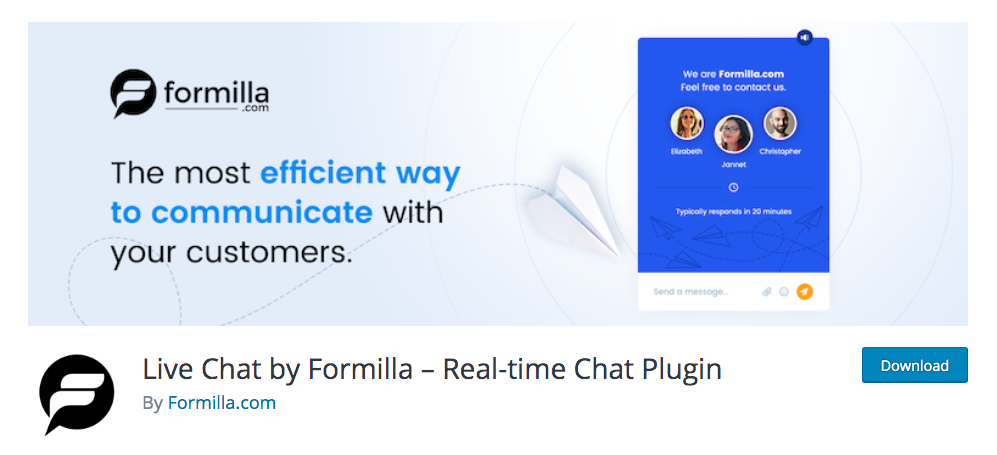
Live Chat by Formilla is a very special alternative among the best WooCommerce free live chat plugins. This freemium plugin is designed to improve communication and allows your customers to chat with you live. Apart from allowing you to customize the chat windows and transfer chats, this tool has a great Help Desk. Not only does it jump in to collect contact details if you stop responding, but it can also filter and prioritize chats for you. Additionally, the Help Desk can restrict and ban users, display the order of the users in a queue when they have to wait to get responses, and much more.
Live Chat has both free and premium versions. The free version is a very good option to start. However, the main drawback is that it only allows you to have one chat at a time and 30 every month.
Main Features
- Overview of chat activity
- Chat transcripts are stored and can be traced back at any time
- Email customization
- Export email data
- Schedule chat time in advance
6. Userlike
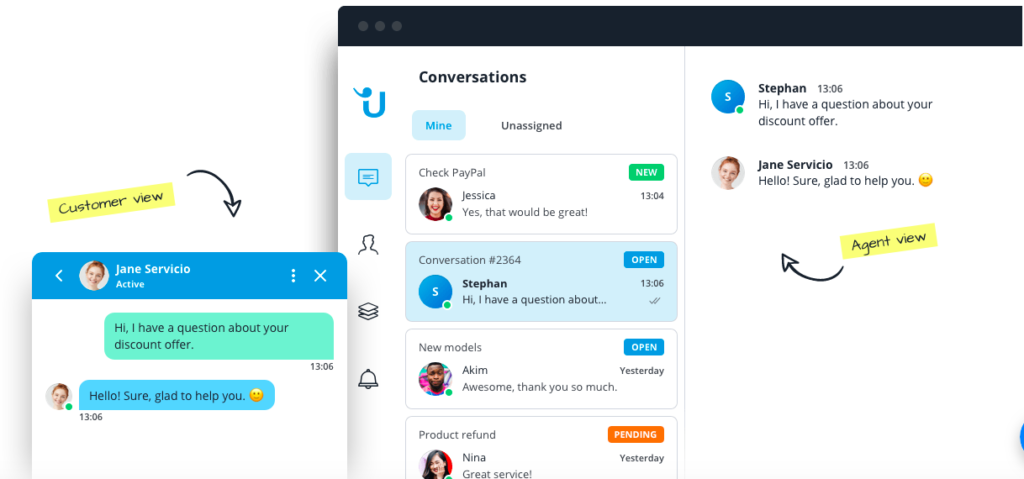
The last tool in our list of the best WooCommerce live chat plugins is Userlike. Instead of providing store owners with a platform to chat, Userlike uses existing messenger applications such as Facebook, WhatsApp, and Telegram to chat.
Apart from allowing you to create different departments and categorize the chats, there’s an interesting feature called Operator Skills that allows chat operators to list out their specialized skills. That way, customers get a timely chat with the one that can help them solve their issues more efficiently.
Main Features
- Operator groups allow customers to select the right team to chat with
- Ability to forward texts to colleagues along with context
- Smart customer profiles
- Chat rating and feedback
- Sticky chats
- Integration with Slack, MailChimp, Zendesk, and others
WooCommerce Free Live Chat Plugins – Pro Tips
These free live chat plugins for WooCommerce will help you take your customer service to the next level and win the hearts of your visitors. All the tools listed above serve a similar purpose but they have differences. So before choosing a plugin, you should consider some things to make sure you find the most appropriate for you.
- First, take into consideration the scale of your WooCommerce store. Most live chat plugins are designed to fit different business scales. However, some of them only allow you to have a limited number of chats per day/month, so check that before selecting one.
- There are two main types of WooCommerce live chat plugins: one that only accepts registered users and the other allows any visitor to start a conversation. Both options have pros and cons so choose according to your business needs.
- Finally, many of these plugins offer paid plans at very affordable prices with more advanced features. Even if you want to start with a free tool, it might be worth having a look in case you want to add more features to your chats.
Conclusion
In summary, live chats are a great way to answer your customers’ questions faster, increase your conversion rates, and increase your visitors’ time on your site. There are many tools out there but here we’ve tried to make your life easier by selecting the best free live chat plugins for WooCommerce.
All these tools have great features, are very easy to set up, and will help you bring your business to a whole new level. A chat box allows you to improve customer service as well as getting constant feedback. On top of that, you can use these chats to offer discounts and promote special deals to boost your sales.
All the plugins in this list are great options for any type of WooCommerce store. However, in terms of features, WhatsApp Chat and Tawk.To Live Chat are the most powerful in our opinion. Finally, if you want to explore other types of chat plugins, check out our post on the best WooCommerce group chat plugins.
Do you know of any other live chat plugins that we should include in our list? Let us know in the comments section below.
